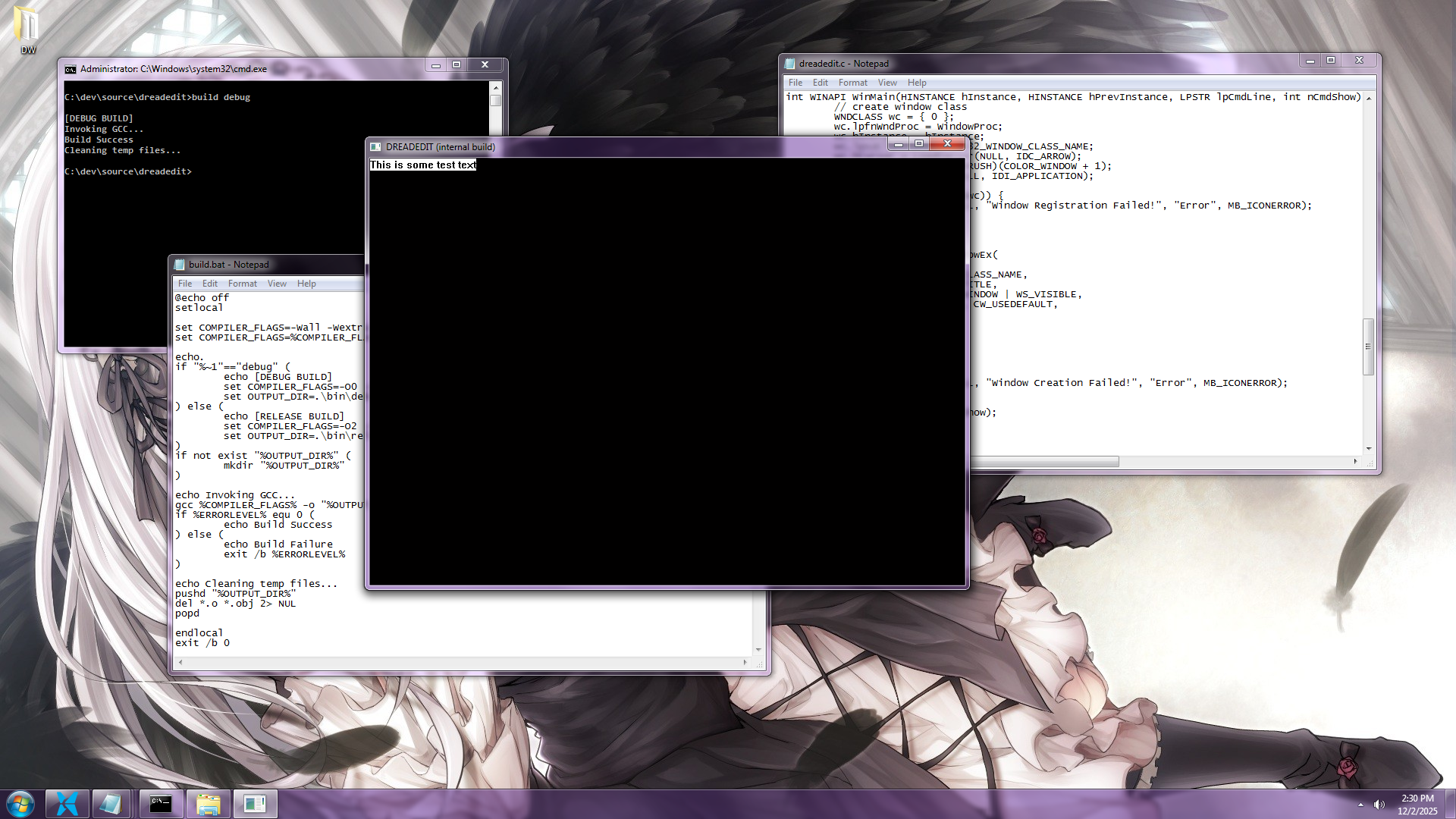
The Wrong Answer
I ended Milestone 2 stuck on line endings. Linux and modern Apple machines emit \n, pre-OSX Apple emits \r, and Windows emits \r\n. My printing code walked the buffer one character at a time, so the two-character Windows signal didn't fit. I wrote this at the time:
I could add some special code here to look forwards or backwards an
additional character in certain cases, but what I came to realize is that
what I am really after is to capture an 'end of line' token.
It turns out I was wrong about what the lexer was for, but it took me some time to discover that. At first, I added an EOL token type, taught the lexer to recognize all three flavors of line ending, and emitted a single clean token for each one. It worked! Printing got simpler! I felt clever for about a day, but then I tried to use it.
What I Was Asking
The questions I needed answered, over and over, were not variations of "what token is this?" They were:
- What row is the cursor on?
- Where does row 40 start?
- How many rows are in this file?
- What text is on the row above the cursor?
Every one of those questions is a question about lines, and I was asking a lexer, which only knows about syntax. I had one pile of code trying to do two jobs and it was bad at both.
The realization was that these are separate problems that happen to both involve the \n character:
- Where are the lines? That is a structural question about the file. It has nothing to do with C.
- What color is this text? That is a syntax question. It has nothing to do with lines.
So I split them. A line table answers the first question and the lexer answers the second. The funny part is that once I split them, the \r\n problem I'd been stuck on for a month simply evaporated.
The Line Table
The line table is the least clever data structure I have ever been happy about. It is a sorted array of the offset of every \n in the buffer:
#define MAX_LINES 65536
typedef struct {
    gap_buffer gb;
    de_cursor  cursor;
    u32 lines[MAX_LINES];  // logical offset of each '\n', ascending
    u32 line_count;
} de_file;
That's it. lines[0] is the byte offset to where the first newline lives, lines[1] the second, and so on. line_count newlines means line_count + 1 rows.
It's fixed-size just like the gap buffer: 65536 lines, 4 bytes each, 256KB per file, and I refuse to open any file bigger. That's a real limit and it might eventually annoy me, but I'd rather ship the annoying version and find out than design a block allocator for a problem I haven't had yet. I actually had started writing a block allocator before backtracking and deciding I was going down a rabbit hole.
Note that the offsets are u32 while the cursor is u64. That is a deliberate mismatch: a 2MB buffer cannot have an offset that doesn't fit in a u32, so paying 8 bytes per line would double the table for nothing.
The whole reason the table earns its keep is this function:
static inline u32
lines_lower_bound(u32* lines, u32 count, u32 pos) {
    u32 lo = 0
    u32 hi = count;
    while (lo < hi) {
        u32 mid = (lo + hi) >> 1;
        if (lines[mid] < pos) {
            lo = mid + 1;
        }
        else {
            hi = mid;
        }
    }
    return lo;
}
The array is sorted because newlines occur in order, which means I never have to sort it, which means the sorted-ness is free and I can use a binary search. The max number of entries I have to look at to find the cursor's row in a 65536-line file is 16.
The index of the first newline at (or after) a position is also the count of newlines before that position, which is also the row number. The row number and the search result are the same integer. I did not design that; it's just true and I get to use it:
static u64
line_start_of(de_file* f, u64 pos) {
    u32 row = lines_lower_bound(f->lines, f->line_count, (u32)pos);
    return (row > 0)
        ? (u64)f->lines[row - 1] + 1
        : 0;
}

static u64
line_end_of(de_file* f, u64 pos) {
    u32 row = lines_lower_bound(f->lines, f->line_count, (u32)pos);
    return (row < f->line_count)
        ? (u64)f->lines[row]
        : gb_text_length(&f->gb);
}
A row starts one byte after the previous row's newline, or at 0 if it's the first row. A row ends at its own newline, or at end-of-file if it's the last row. Both of them are a binary search and an array read.
Killing the Backward Scan
In the past, my cursor code called cursor_line_start, which found the start of a line by walking backwards through the buffer looking for a \n. I even called out my discomfort about recalculating row and column on each draw in a post:
For small files this was fine, but I worried that as the gap buffer text got longer it could slow down.
It turns out that worry was correct. Walking backwards from the cursor is O(n) in the length of the line, which is fine, but CURSOR_UP did it three times and any code that wanted an arbitrary row had to scan from the top of the file. On a long file, holding down the up arrow meant rescanning text I had already scanned thousands of times a second to rediscover something it already knew.
CURSOR_UP is now this:
case CURSOR_UP: {
    u32 row = lines_lower_bound(f->lines, f->line_count, (u32)f->cursor.pos);
    if (row == 0) {
        break;
    }
    u64 prev_start = row_start(f, row - 1);
    u64 prev_len   = f->lines[row - 1] - prev_start;
    u64 target_col = f->cursor.col_intent < prev_len
        ? f->cursor.col_intent
        : prev_len;
    f->cursor.pos = prev_start + target_col;
    f->cursor.row = row - 1;
    f->cursor.col = target_col;
} break;
col_intent works exactly as it did before. The only thing that changed is that finding the previous line is now an array lookup instead of a byte hunt.
There is also a second, better payoff. I previously tracked row and col on the cursor struct incrementally, adjusting them by hand in every direction case because recomputing them was too expensive. That is a cache, and like every cache it was a bug waiting to happen; every new edit operation I write has to remember to fix up row and col, and if I forget one, the cursor silently disagrees with the text. With the table, recomputing the row is cheap, so the cached fields lose most of their value. I've kept them for now because the drawing code reads them constantly, but they're now an optimization I could delete rather than a fact I have to maintain. That's a much better place to be.
The cost, of course, is that the table has to be right. Every insert or delete of a \n has to update it, and every edit at all has to shift the offsets after it. I have that working, but I don't love the code yet, so I'm going to leave it for its own post once I've lived with it.
The Lexer
With lines handled elsewhere, the lexer got to be small and single-minded.
The token types:
typedef enum {
    TOKEN_DEFAULT,
    TOKEN_KEYWORD,
    TOKEN_TYPE,
    TOKEN_IDENTIFIER,
    TOKEN_NUMBER,
    TOKEN_STRING,
    TOKEN_CHAR_LIT,
    TOKEN_COMMENT,
    TOKEN_PREPROCESSOR,
    TOKEN_PUNCTUATION,
    TOKEN_OPERATOR,
} token_type;

typedef struct {
    token_type type;
    u64        start;
    u64        end;
} de_token;
There is no TOKEN_EOL. There is no TOKEN_WHITESPACE either. A token is a type and a pair of offsets into the buffer. It does not own any characters because the characters are already sitting in the gap buffer and copying them somewhere else would be silly.
Here is the top of the loop, and it is where the whole \r\n saga ends:
u64 i = start_pos;
while (i < end_pos && count < max_tokens) {
    u8 c = gb_get_char(&f->gb, i);
    if (c == '\r' || c == ' ' || c == '\t') {
        i++;
        continue;
    }
    if (c == '\n') {
        in_preprocessor = 0;
        i++;
        continue;
    }
    // ...
That's the answer to the question I asked in Milestone 2. \r is skipped, \n is skipped, and neither produces a token. I spent real time worrying about how to represent a two-character line ending as one token and the resolution was that the lexer does not need to represent line endings at all. Whether the file says \n or \r\n or \r, the lexer skips the bytes and keeps going, and the answer is identical. The line table doesn't care either: it records the offset of the \n, and a \r sitting in front of it is just a character on the end of the line that happens to be invisible.
The only thing \n does in the lexer is clear a in_preprocessor flag because #define ends at the end of a line. The rest of the loop is what you'd expect: recognize a thing, emit a span, continue.
if (c == '/' && i + 1 < len && gb_get_char(&f->gb, i + 1) == '/') {
    u64 start = i;
    while (i < len && gb_get_char(&f->gb, i) != '\n') {
        i++;
    }
    out[count].type  = TOKEN_COMMENT;
    out[count].start = start;
    out[count].end   = i;
    count++;
    continue;
}

if (c == '"') {
    u64 start = i++;
    while (i < len) {
        u8 sc = gb_get_char(&f->gb, i);
        if (sc == '\\') {
            i += 2;
            continue;
        }
        if (sc == '"' || sc == '\n') {
            i++;
            break;
        }
        i++;
    }
    out[count].type  = TOKEN_STRING;
    out[count].start = start;
    out[count].end   = i;
    count++;
    continue;
}
Two notes on the string case:
- The backslash skips two characters so that
"he said \"hi\"" doesn't terminate early.
- An unterminated string stops at the newline instead of running to the end of the file, because while I'm typing, every string is unterminated for a moment, and I don't want the rest of the file to flash red every time I type a quote.
Identifiers are the only place the lexer knows what language it's reading:
if (is_ident_start(c)) {
    u64 start = i;
    while (i < len && is_ident_char(gb_get_char(&f->gb, i))) {
        i++;
    }
    token_type type = TOKEN_IDENTIFIER;
    if (in_preprocessor) {
        type = TOKEN_PREPROCESSOR;
    }
    else if (word_list_contains(&keywords, word, word_len)) {
        type = TOKEN\_KEYWORD;
    }
    else if (word_list_contains(&types, word, word_len)) {
        type = TOKEN_TYPE;
    }
    // ...
Scan the whole word then look it up. Keywords and types are just two lists of strings, which means C isn't compiled into the lexer and I can add another language later by adding another list. That is deliberate and it is as far as I'm taking it for now.
Note also that the function takes a start_pos and an end_pos rather than tokenizing the file. I only ever need colors for the rows that are on screen, and there is no reason to lex 60,000 lines to draw 50 of them. The line table is what makes that possible! Given a row, I know its byte range, so I can lex exactly the range I'm about to draw.
The Hard Part
Lexing an arbitrary range has a catch, and I want to be honest that I have not fully solved it.
To lex from the middle of a file, you need to know what was already happening at that point. More specifically we need to know "are we inside a block comment?" The raw bytes cannot tell you because the /* might be 400 lines above the viewport. If you guess wrong, an entire screen of code renders as a comment, or an entire comment renders as code.
My current answer is to store one byte of lexer state per line, alongside the line table, where bit 0 means "this line starts inside a block comment":
u8 line_states[MAX_LINES];
To lex a range, I look up the state at the first line and start there:
u32 start_line = lines_lower_bound(f->lines, f->line_count, (u32)start_pos);
u8  state      = f->line_states[start_line];
if (state) {
    u64 start = i;
    while (i + 1 < len) {
        if (gb_get_char(&f->gb, i) == '*' && gb_get_char(&f->gb, i + 1) == '/') {
            i += 2;
            state = 0;
            break;
        }
        i++;
    }
    // ...
This works and it's fast. Keeping that array correct as the file gets edited is a different story, and it has already produced the most interesting bug I've hit on this project so far. I'm going to save that for a future post, because it deserves one.
Drawing
print_token from Milestone 2 barely changed. It had a TODO on it asking for exactly this:
// TODO: determine token type and select colors
Now the token type arrives as an argument, and the color is a table lookup:
static COLORREF
token_color(token_type type) {
    switch (type) {
        case TOKEN_KEYWORD:      return COLOR_KEYWORD;
        case TOKEN_TYPE:         return COLOR_TYPE;
        case TOKEN_NUMBER:       return COLOR_NUMBER;
        case TOKEN_STRING:       return COLOR_STRING;
        case TOKEN_CHAR_LIT:     return COLOR_CHAR_LIT;
        case TOKEN_COMMENT:      return COLOR_COMMENT;
        case TOKEN_PREPROCESSOR: return COLOR_PREPROCESSOR;
        case TOKEN_PUNCTUATION:  return COLOR_PUNCTUATION;
        case TOKEN_OPERATOR:     return COLOR_OPERATOR;
        case TOKEN_IDENTIFIER:
        case TOKEN_DEFAULT:
        default:                 return COLOR_TEXT;
    }
}
Those are #defines pointing at RGB() values for now. Making them loadable from a file is the Color Themes item, and it can wait. I use internal defaults for now.
The draw loop no longer walks the buffer at all. It asks the line table which rows are visible, asks the lexer for the tokens in that byte range, then draws them. Since the tokens are byte spans and whitespace isn't a token, the gaps between tokens are exactly the whitespace, so I advance x by the width of the gap and don't draw anything there.
I also finally get line numbers, which was sitting under Code Navigation on the plan. line_count is a field. The row of the top of the viewport is a binary search. Line numbers are a for loop and a counter. It took about ten minutes, and it took ten minutes because of the table, not in spite of it.
Plan Update
Next up is File I/O, and I'm moving it ahead of the rest of Code Navigation on purpose. I am still writing this editor in notepad, and the original milestone I set for myself was feature parity with notepad. Searching and jumping can wait. Being able to open and save a file is the thing standing between me and using this thing to write itself.